
LOXYT
Create. Review. Reuse.
Photo, Documents, QR and Website: your free manual tools and chosen AI uses stay connected to the same space.
The manual Studios are free.
Reopen a chosen result in the free manual Studio. An edit, new version or export does not restart AI.
Before, your choice, after.
Fictional photographic examples. Use only authorised photos and content; review fidelity to the product or person before keeping a proposal.
Present the same dish better.

Your choice
Improve light and presentation without changing the pizza.
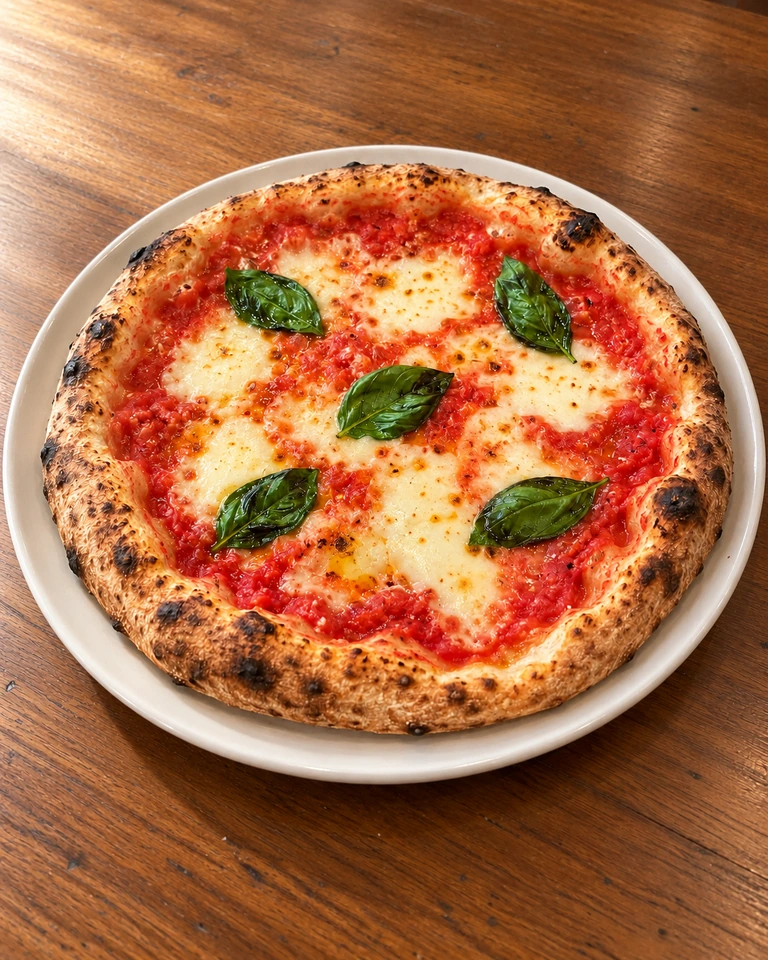
You check the product and visible ingredients; no recipe or portion is inferred.
Your product, on the background you choose.

Your choice
Isolate the bottle on a transparent background; add a setting only if you choose one.
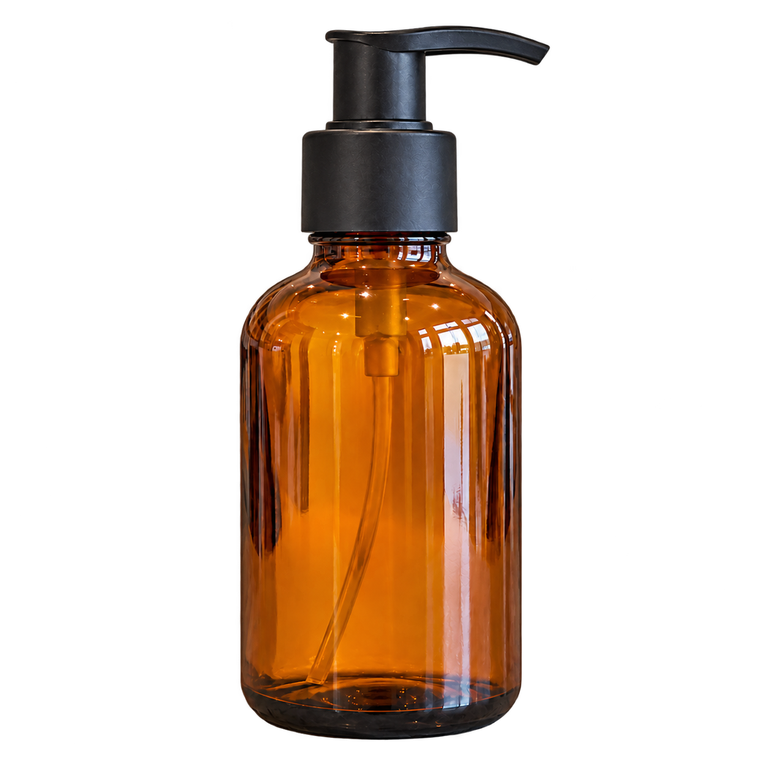
The original stays saved. Review the edges before reusing the result.
The same vase, beautifully presented.

Your choice
Add flowers while keeping the vase's body and details visible.
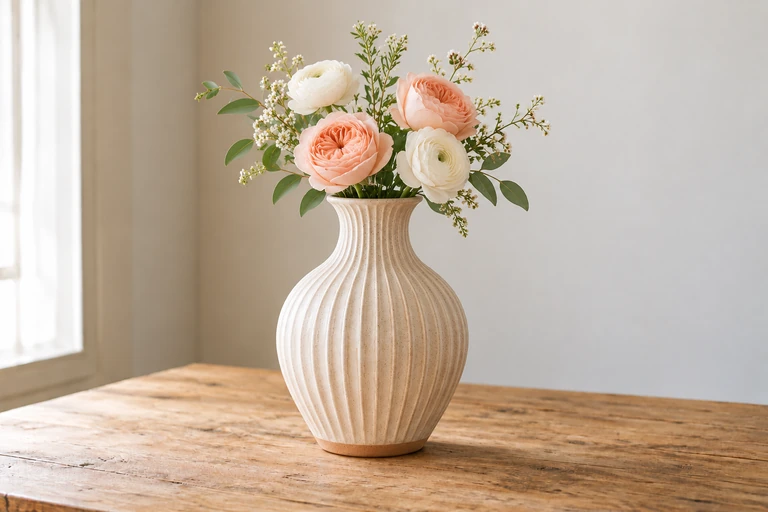
A Studio example for a ceramicist or homeware shop, not a new customer module.
Hair, makeup and manicure.
A makeup idea.

Your choice
Change only the makeup on the same portrait.

An aesthetic proposal to review with the professional; no medical analysis.
A nail style.

Your choice
Suggest burgundy polish on the same hand.

The choice remains an idea; the professional confirms what can be achieved.
Visualise a product in your space.
Visualise a product in your space.

Your choice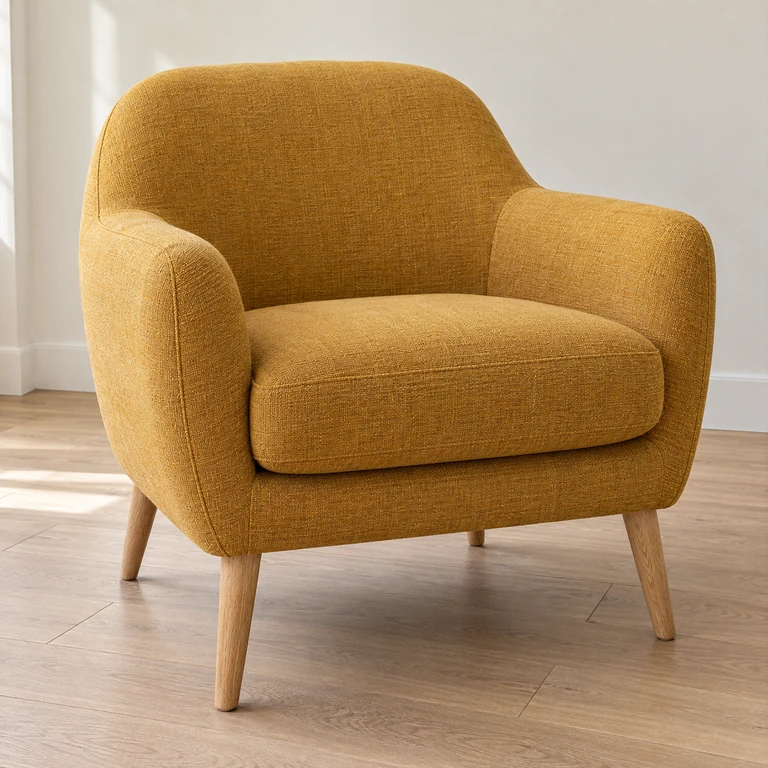
Combine the room photo with the chosen armchair reference.
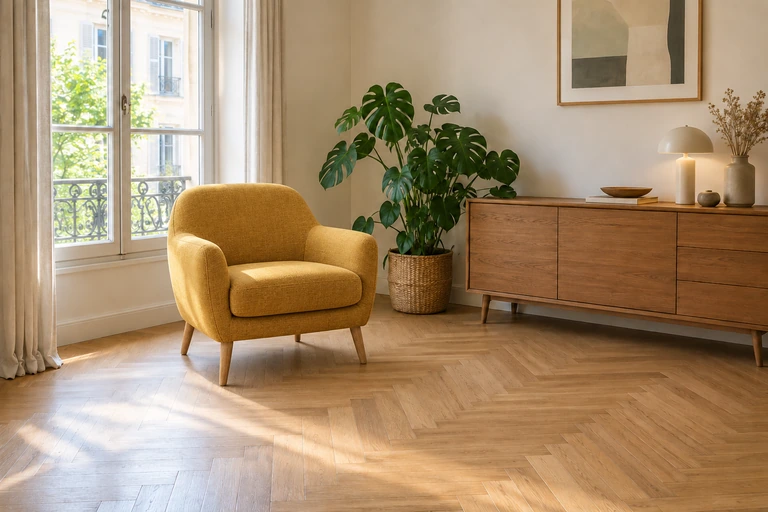
A visual idea; dimensions, availability and suitability are confirmed separately.
An idea for a cake.
An idea for a cake.
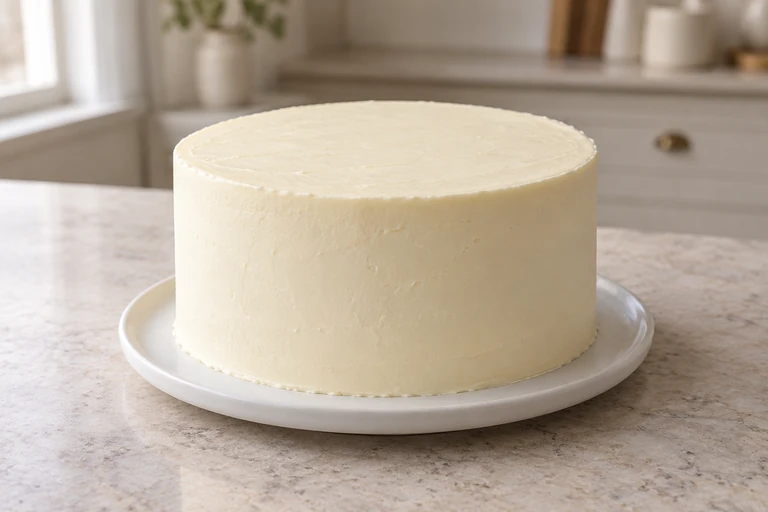
Your choice
Keep the same cake, with ivory tones, strawberries and festive decorations.
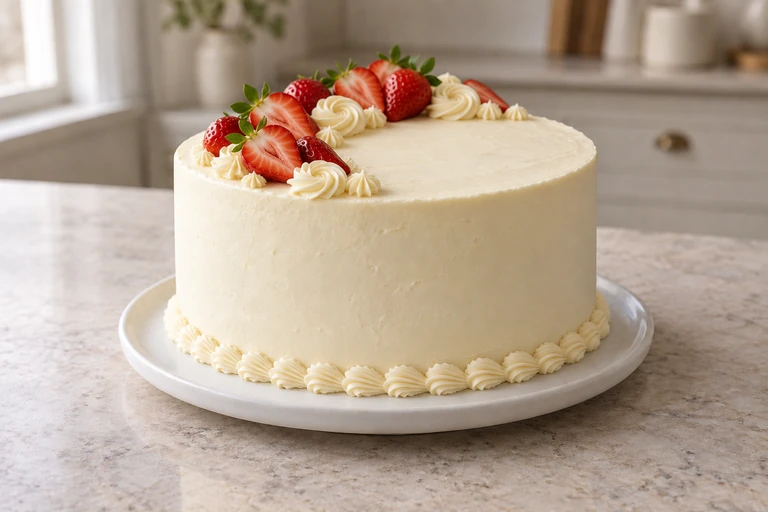
The baker confirms recipe, portions, feasibility, price and timing before any commitment.
An arrangement to discuss.
An arrangement to discuss.

Your choice
From the base bouquet to a peach-and-ivory idea.
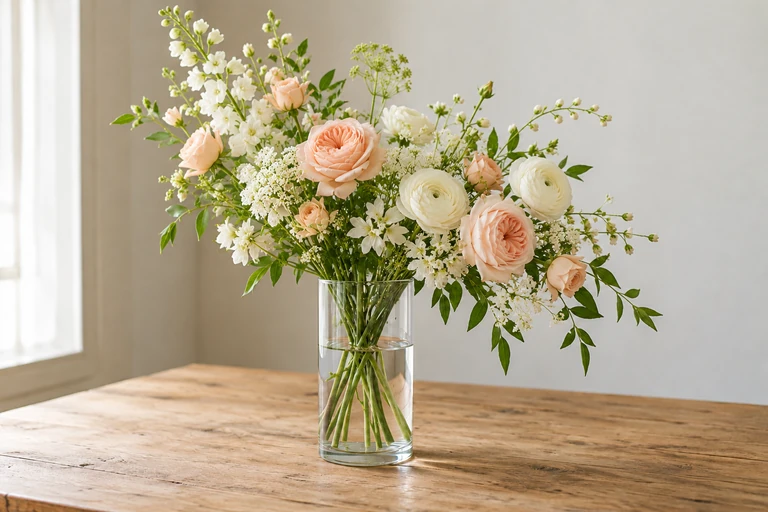
The florist confirms available flowers, composition and quotation.
Your idea for a place to relax.
Your idea for a place to relax.
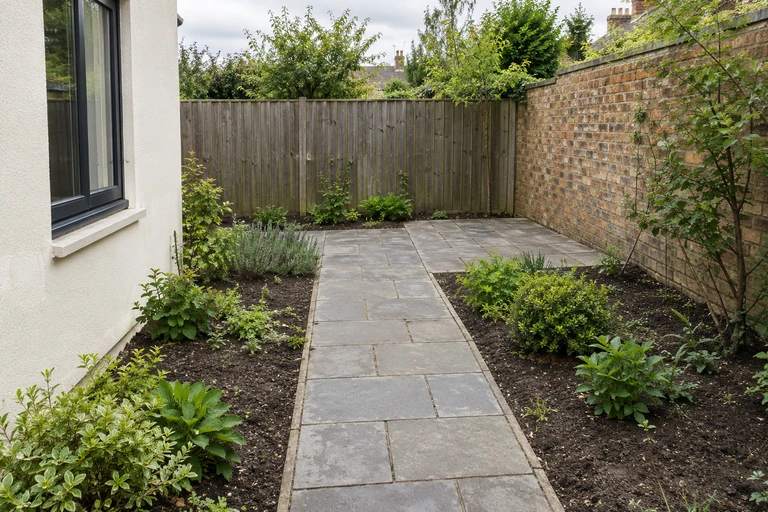
Your choice
Planting and a bench, preserving the garden and access path.
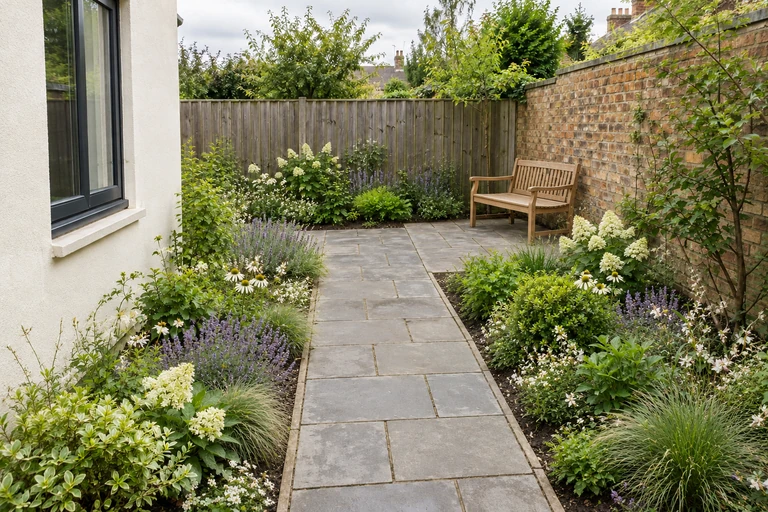
An idea to show the professional, without inferred measurements or feasibility.
More AI Studio tools
Change the setting
Change the setting around the same product, then check its details.

Soft light · apricot setting

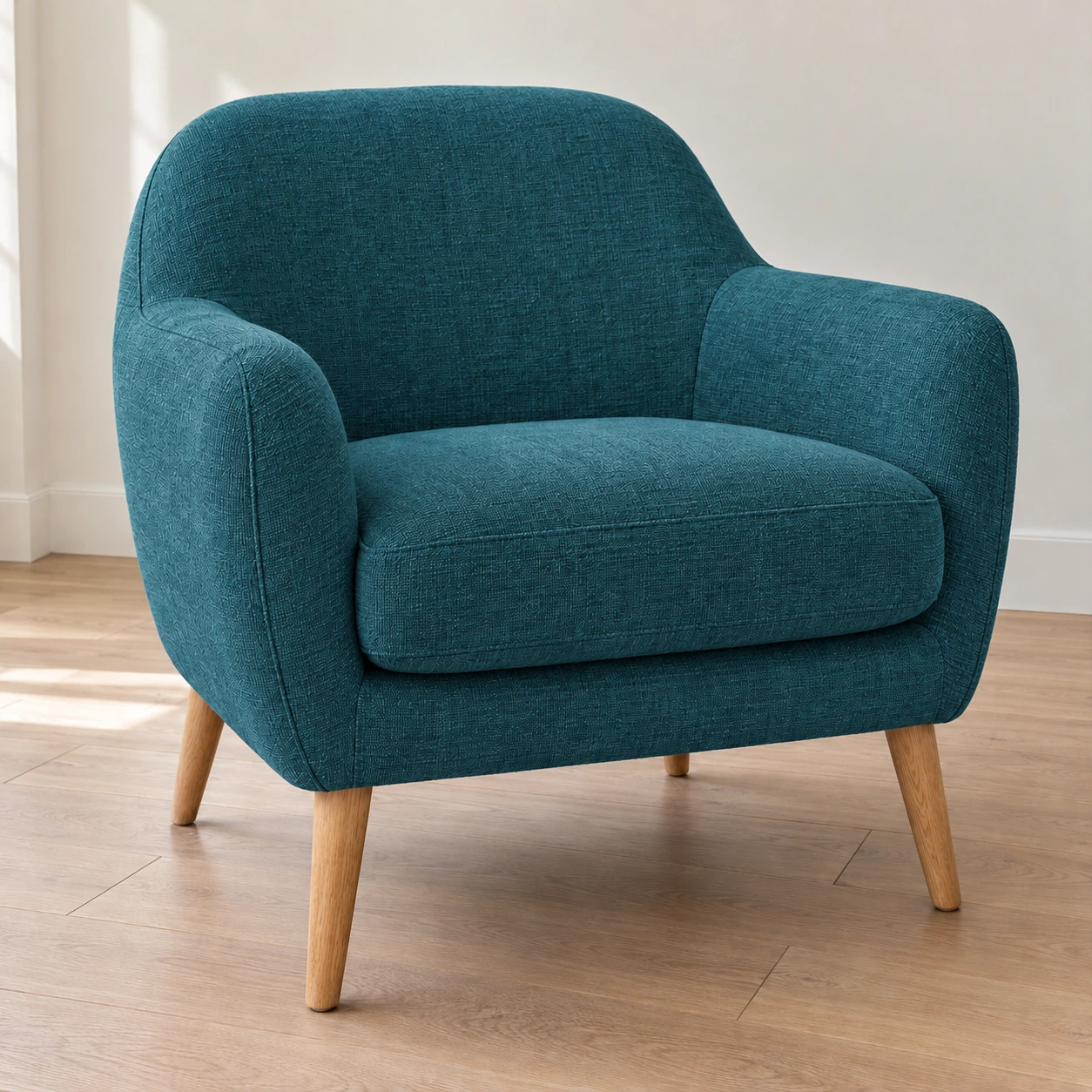
Change a colour
Explore a colour on the same item without inventing a reference or stock.
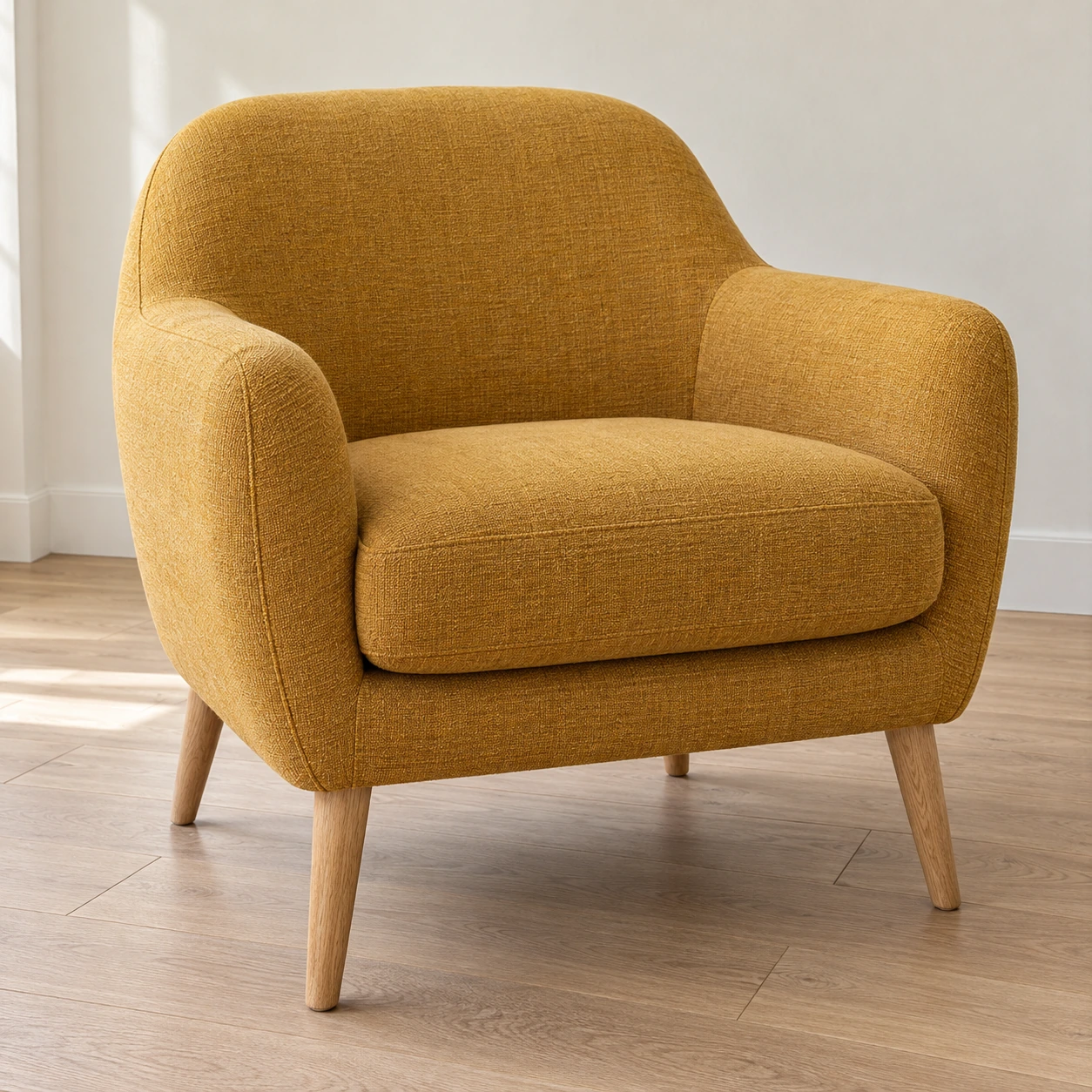
Petrol blue fabric · details kept
Virtual model
Present a confirmed garment on an authorised model, without a size or fit guarantee.


Adult · natural pose

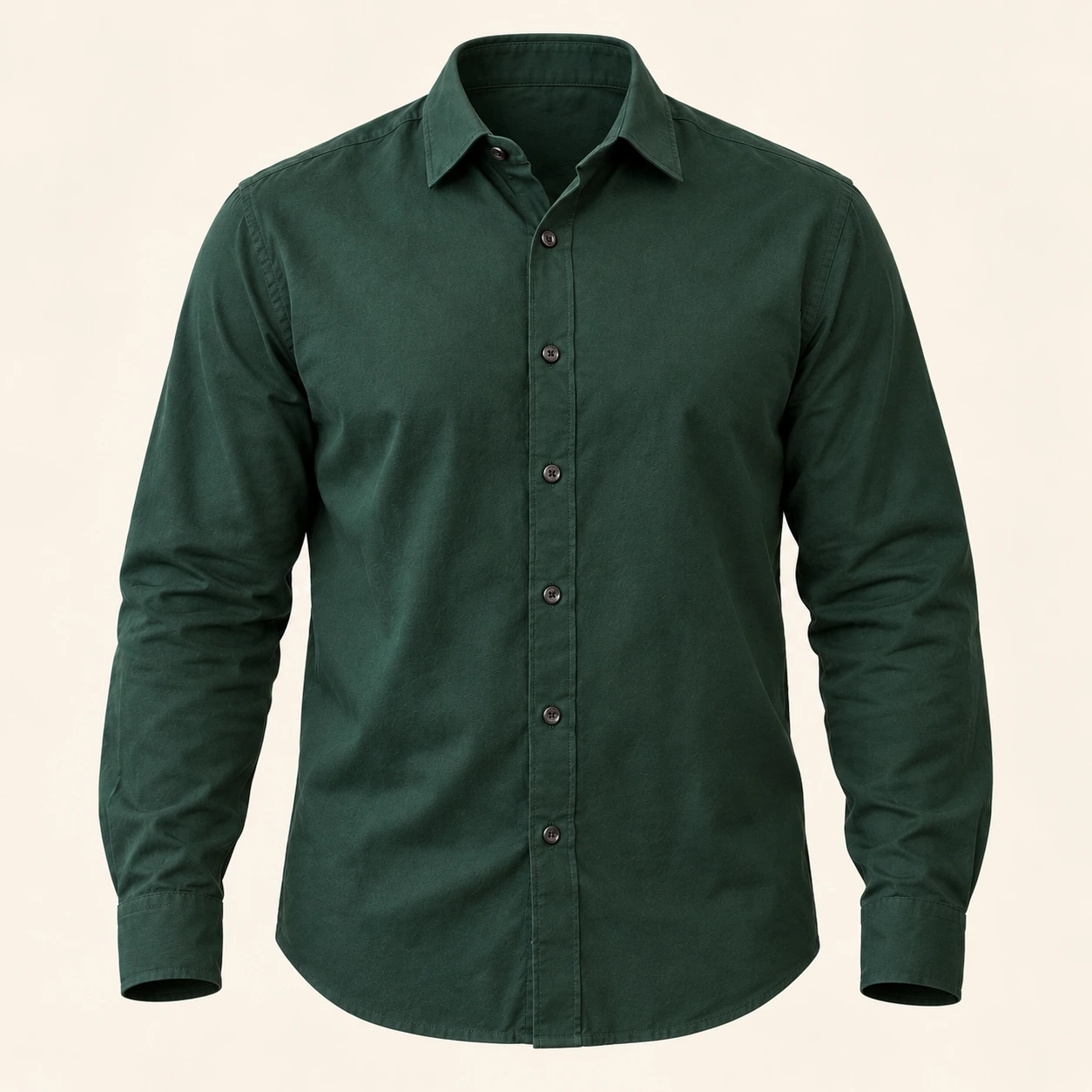
Invisible mannequin
Show the garment's volume without a visible person or mannequin.
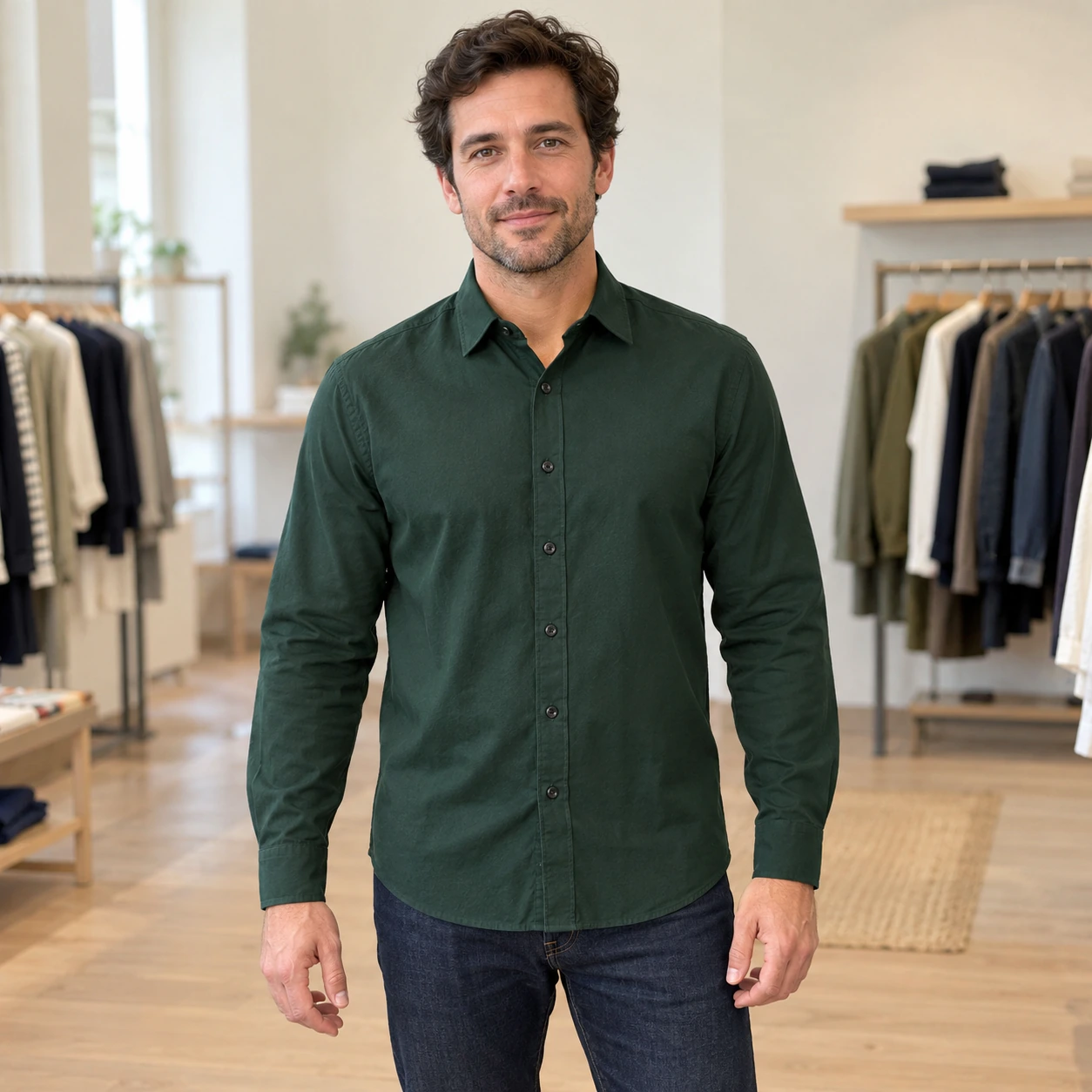
Shape without a mannequin
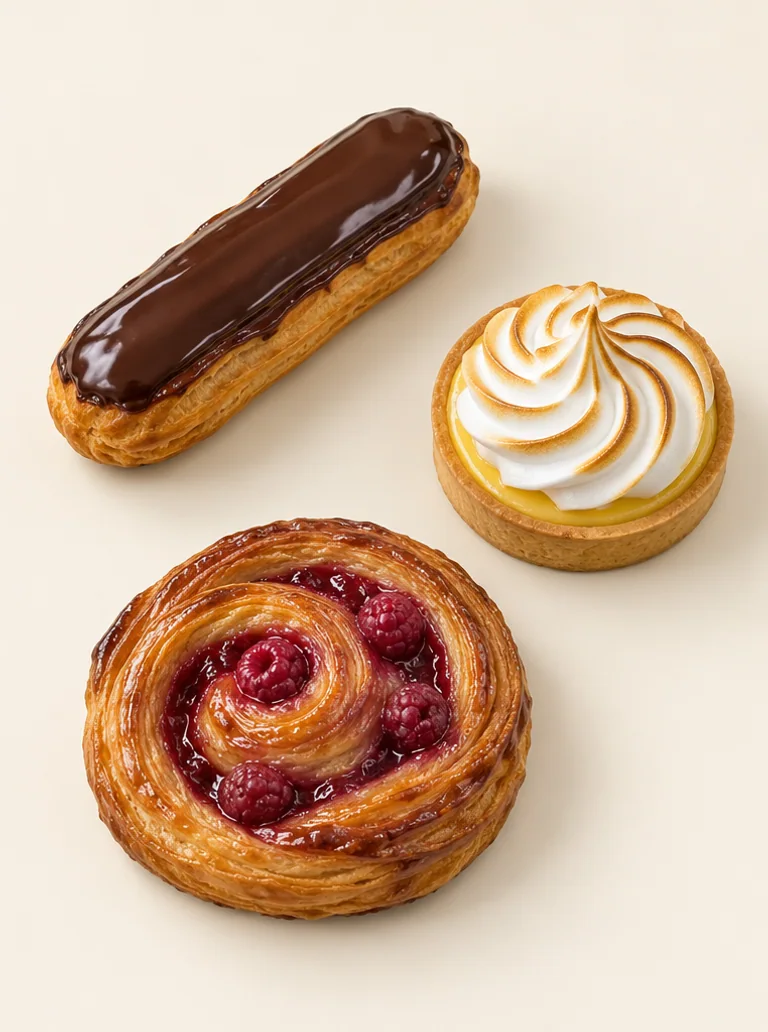
Process a batch
Harmonise a batch of photos, then review each product.
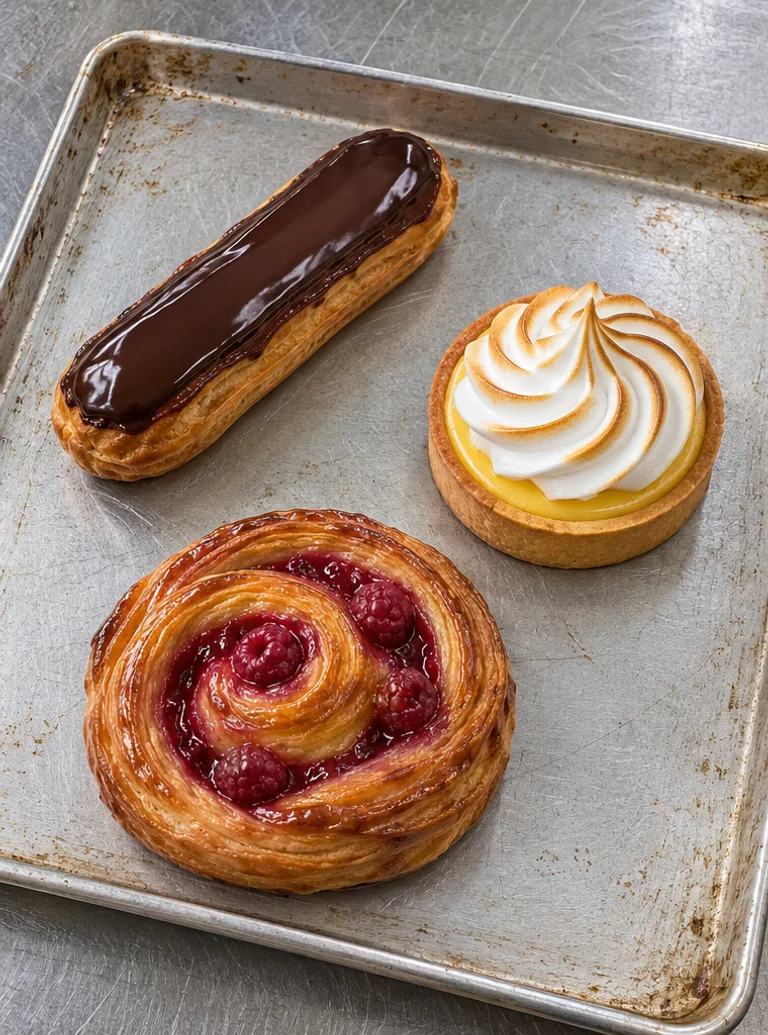
3 products · shared ivory background
Create a campaign
Prepare several formats from the same product; information and publication still require approval.


Square · story · poster
Crafted with careCrafted with careCrafted with careA clip that begins with your idea.
Describe movement and atmosphere freely. Start with an authorised photo or inspiration from the gallery, then review and save your chosen result.
My creations, the same source and its versions.
Reopen a chosen result in the free manual Studio. An edit, new version or export does not restart AI.
The right destination for every creation.
- A section of your website
- A product page or menu
- A document to print
- A file for social media
- A download
- A QR code design linked to your chosen page
A new AI generation or transformation shows its cost before your approval. Saving is not publishing: you choose the version and the next action.
The right modules in the right place.
A few examples for your customers. You choose useful functions; AI helps where it produces a concrete result.
The agent prepares; you decide.
Choose a case and its sources. The agent compares information, flags gaps and prepares a response or document. You review before sending or publishing.
Contact LOXYT ↗